Introduction
Smart home devices like the Ring Doorbell are vital for enhancing home security. Properly maintaining these devices, especially their batteries, ensures they perform reliably. It’s crucial to understand the optimal charging frequency for your Ring Doorbell to avoid unexpected outages and extend battery lifespan. This comprehensive guide will delve into effective charging practices for your Ring Doorbell.
Understanding Your Ring Doorbell Battery
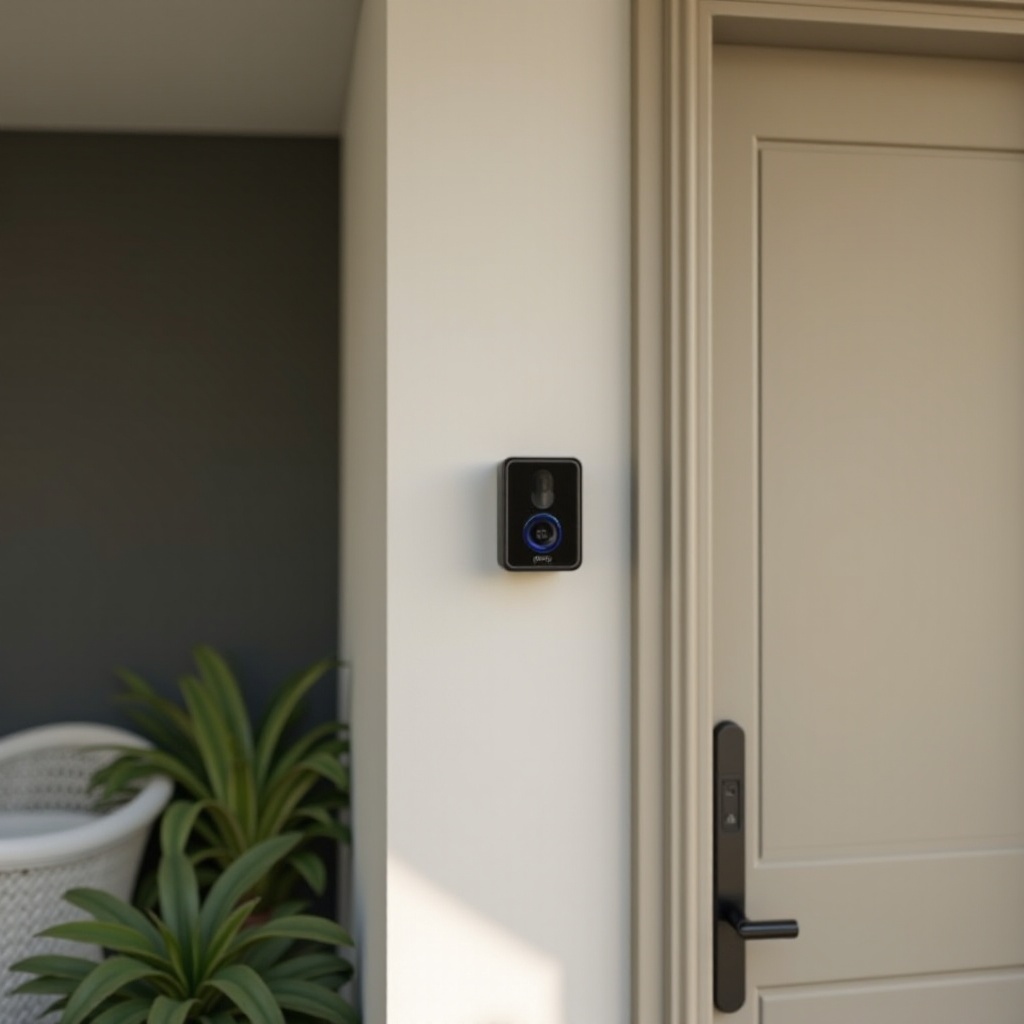
Every Ring Doorbell comes equipped with a rechargeable battery, a critical component in its functionality. Variations in battery capacity exist among different Ring models, but their primary purpose remains constant: providing efficient power to your security device.
- Battery Indicators: The Ring app helps users monitor battery levels, signaling when recharging is necessary. Regular monitoring prevents unexpected shutdowns.
- Recharge Cycles: Typically, the battery is designed to endure several hundred charge cycles before diminishing in efficiency, emphasizing the importance of regular maintenance.
Grasping these battery basics provides a solid foundation for determining the right charging schedule for your device.
Factors Influencing How Often to Charge Your Ring Doorbell
Several factors significantly influence how frequently you should charge your Ring Doorbell. Understanding these can optimize battery management.
Usage Patterns
- Frequency of Use: Devices in high-traffic zones may activate more frequently, causing faster battery drain. If your doorbell records multiple movements daily, you may need to recharge it more often.
- Features Activated: Features like live view and extended motion recording tend to increase battery consumption.
Environmental Conditions
- Weather Impact: Lithium-ion batteries can discharge more rapidly in cold conditions. You’re likely to notice reduced battery performance in winter.
- Installation Location: Devices exposed to direct sunlight or extreme conditions might have a shorter battery life.
Device Settings
- Motion Sensitivity: Higher sensitivity results in more movements being recorded, using more power.
- Alert Frequency: Frequent alerts can quickly drain the battery. Adjusting alert settings helps manage consumption.
Considering these factors helps tailor charging routines and maintain optimal device performance.
Recommended Charging Frequency for Ring Doorbells
Optimizing the charging routine for consistent operation involves tailored guidelines based on device use:
- Average Usage: For devices that record 3-5 events a day, recharging every 1-2 months suffices.
- High Usage Areas: In areas with high activity, where devices capture over 10 events daily, monthly charging is advisable.
- Cold Climates: Monitor battery levels frequently during winter; a monthly charging schedule is recommended.
Awareness of usage habits and environmental impacts allows for a more customized charging strategy.
Tips for Efficient Charging
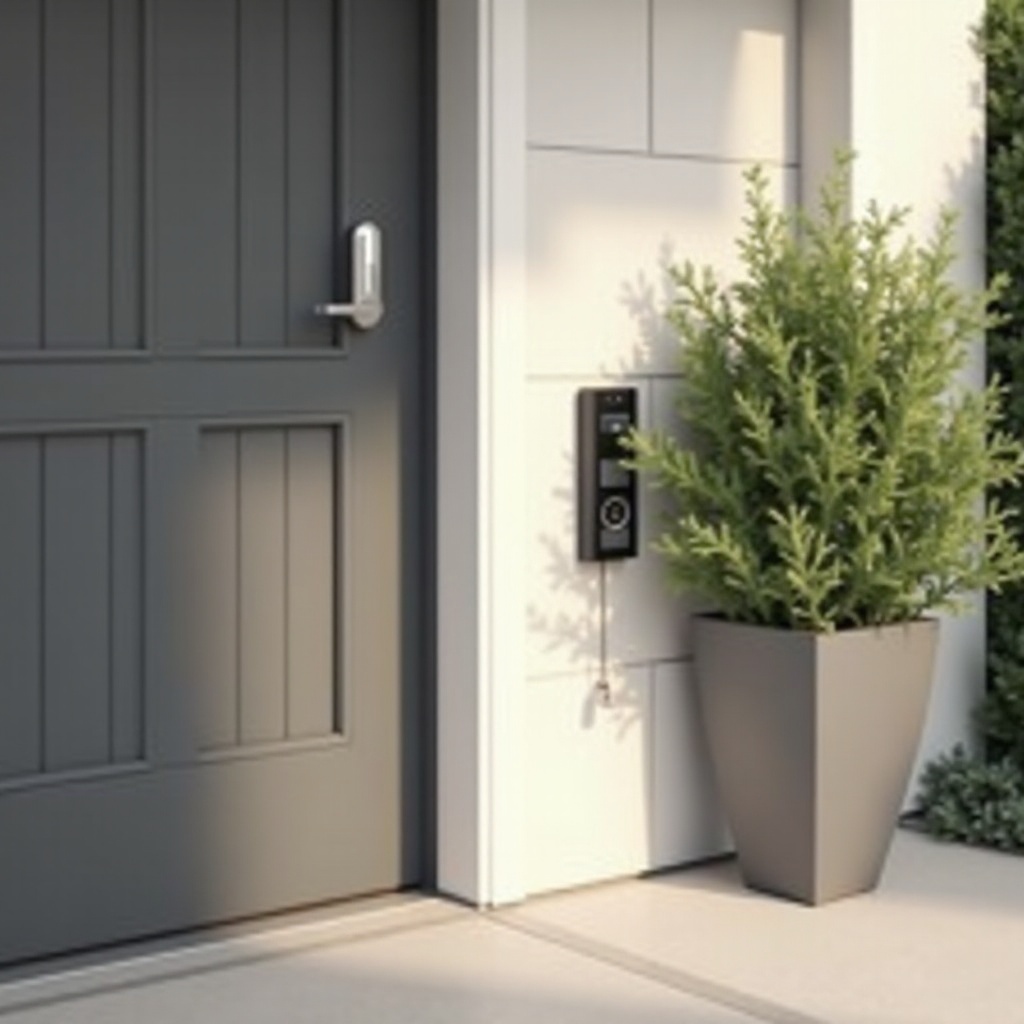
Improving your Ring Doorbell’s charging efficiency prolongs its life and performance. Here are some helpful tips:
- Optimize Device Settings: Lowering motion sensitivity and reducing alert frequency aids in conserving battery.
- Use Quality Charging Accessories: Using Ring-approved chargers ensures battery health and prevents damage.
- Consider Alternative Power Sources:
- Solar Chargers: Ideal for sunny regions, these keep batteries topped up with minimal intervention.
- Hardwired Options: Offers continuous power, removing the necessity for manual charging.
These efficient practices minimize interruption and enhance the user experience.
Troubleshooting Common Battery Issues
Despite optimal charging practices, battery issues may occasionally arise. Here’s how to address them:
- Battery Not Holding Charge: This may signal the battery’s end-of-life stage. Frequent charging requirements indicate it might be time for a replacement.
- Device Not Charging: Check all connections and ensure the charging port is free from debris. Confirm charger compatibility.
- Rapid Battery Drain: Investigate settings and usage patterns. Decreasing motion sensitivity and tweaking alert settings can prolong battery life.
Regular troubleshooting ensures efficient operation and prolongs the life of your device.
Conclusion
Proper charging and maintenance of your Ring Doorbell ensure it operates reliably and prolongs its lifespan. By understanding factors influencing battery life and adopting efficient charging strategies, users can prevent unexpected downtimes. Tailor your charging routine based on usage habits and environmental conditions to enhance device performance.
Frequently Asked Questions
How can I tell if my Ring Doorbell needs charging?
The Ring app notifies you when the battery is low, ensuring you’re always aware of when a recharge is needed.
Can I overcharge my Ring Doorbell?
Ring Doorbells have built-in mechanisms to prevent overcharging, protecting the battery from damage.
What should I do if my Ring Doorbell battery drains quickly?
Inspect the settings, focusing on motion sensitivity and alert frequency. Adjust these to improve battery life.