
Introduction
Upgrading your processor can be crucial for maintaining a fast and efficient computer. As software demands grow, an outdated CPU can slow down everything. An upgrade can improve gaming performance, accelerate workflows, and keep systems efficient. In this guide, we’ll explore when and why you should upgrade, and walk you through the process.
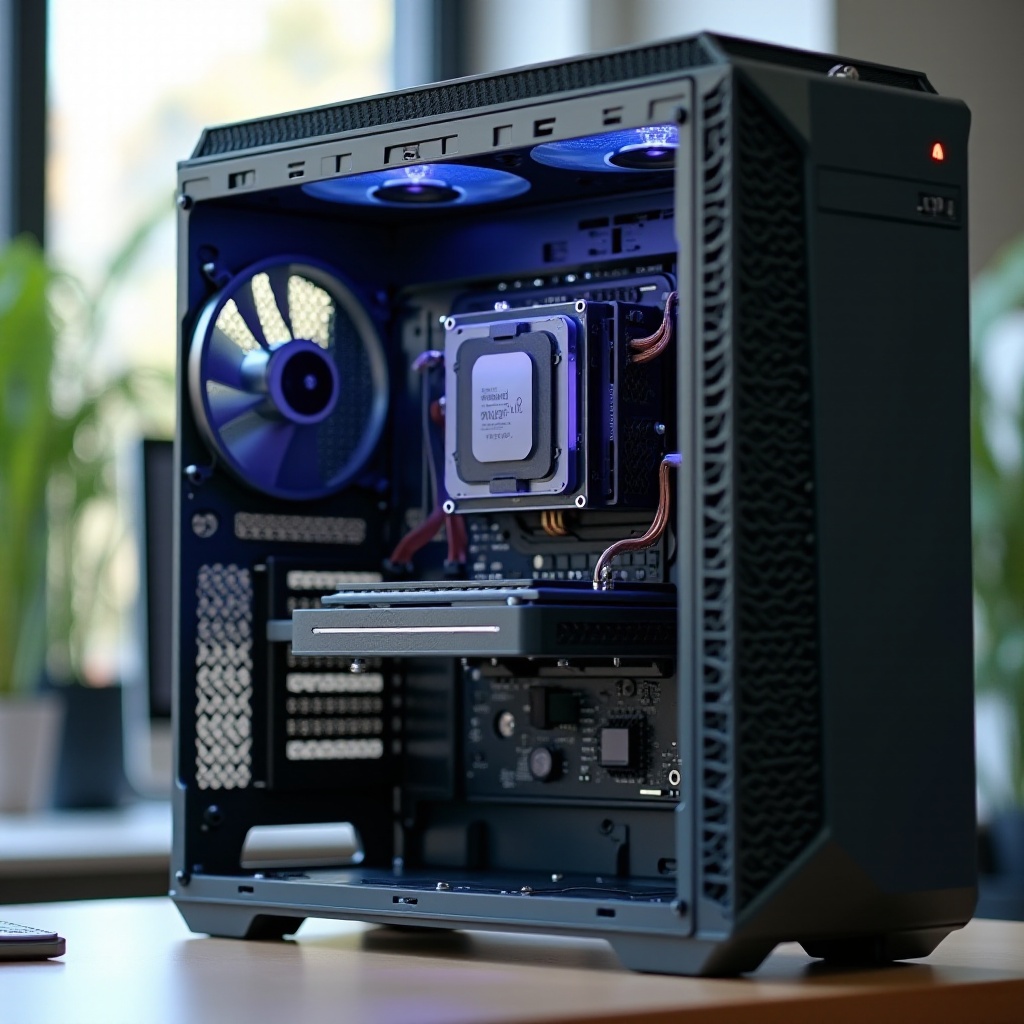
Understanding the Role of a Processor
The processor acts as your computer’s brain, managing instructions and tasks. It’s crucial for operating applications and processing data. The CPU’s capabilities directly affect your computer’s speed and efficiency, impacting everything from multitasking to software loading times. Grasping the processor’s role helps in identifying signs of when an upgrade might be needed.
Indicators That a Processor Upgrade Might Be Necessary
Identifying when your CPU is underperforming is important for deciding on an upgrade. Here are key indicators:
-
Decreased System Performance: If everyday tasks become slow, your CPU might be strained. Applications that once opened instantly now lag, and multitasking turns cumbersome.
-
Incompatibility with Latest Software and Games: If your processor cannot handle newer software or games, it might be time to consider an upgrade.
-
Bottlenecking Other Components: A robust graphics card or high-speed RAM won’t reach their potential if coupled with a weaker CPU. Ensure your processor isn’t holding back the rest of your system.
Recognizing these symptoms means it might be time to enhance your system’s performance with a new processor.
Evaluating Upgrade Viability
Before upgrading, consider these crucial factors:
-
Compatibility with Existing Hardware: Confirm that your motherboard supports the desired processor. Check socket type and chipset compatibility to avoid integration issues.
-
Budget Considerations: New processors are an investment. Weigh the costs against the anticipated performance benefits to decide if upgrading is the right choice.
-
Expected Performance Gains: Compare benchmarks between your existing CPU and potential upgrades. Research real-world performance differences to make an informed choice.
Evaluating these factors ensures that your upgrade decision is both necessary and beneficial, setting the stage for the next steps.

Types of Processor Upgrades
Choosing the appropriate processor can be a daunting task. Here’s what to consider:
-
Intel vs. AMD: Each brand offers competitive models. Intel CPUs are known for excellent single-core performance, while AMD provides superior multi-core value. Choose based on your specific workload needs.
-
Comparing Multi-Core and High Clock Speed Options: More cores are ideal for multitasking, while higher clock speeds benefit single-thread tasks. Consider your typical usage to make a decision.
-
Generational Differences in Processors: With each generation, processors improve in technology, efficiency, and performance. Check reviews and benchmarks to understand these differences.
With a clearer idea of your needs, you can now prepare for the installation process of your new CPU.
Step-by-Step Guide to Upgrading Your Processor
Here is a concise guide for the processor upgrade:
- Preparing Your PC for an Upgrade:
- Backup essential data.
- Ensure your workspace is static-free.
-
Gather tools like a screwdriver, some thermal paste, and an anti-static strap.
-
Installation Process:
- Disconnect your PC and open the case.
- Remove the existing heatsink and unlock the CPU socket lever.
- Gently take out the old CPU and place the new one in the slot.
- Apply a thin layer of thermal paste on the new CPU.
-
Reattach the heatsink and close the computer case.
-
Verifying Installation and Testing Performance:
- Reconnect your PC and power it on.
- Access the BIOS to see if the system recognizes the new processor.
- Run performance tests to confirm everything is running smoothly.
These actions ensure that your processor upgrade is smooth and effective, significantly boosting system performance.

Conclusion
A processor upgrade can breathe new life into your computer, offering enhanced speed and efficiency for running the latest software with ease. By understanding your CPU’s role and evaluating whether an upgrade is necessary, you can make informed decisions on choosing the right processor. Whether for gaming, professional work, or general use, an upgraded processor helps your system stay current with technological demands.
Frequently Asked Questions
How do I know if my current processor is bottlenecking my system?
Observe your system’s performance during high-intensity tasks. If other components are underperforming due to the CPU, it’s likely causing a bottleneck.
Is it always necessary to upgrade other components with a new processor?
Not always, but upgrading the motherboard, RAM, or cooling system may complement a new CPU and optimize performance.
What are the risks involved in upgrading a processor myself?
Risks include damaging components, improper installation, or voiding warranties. Proper handling and using guides can reduce these risks.