Introduction
What occurs when two iPhones are placed side by side? This question raises both curiosity and speculation. Myths abound about potential issues like signal interference and battery depletion. This article delves into these claims, aiming to separate myth from reality. We’ll also discuss practical tips to ensure optimized use of your devices.
Understanding iPhone Design and Functionality
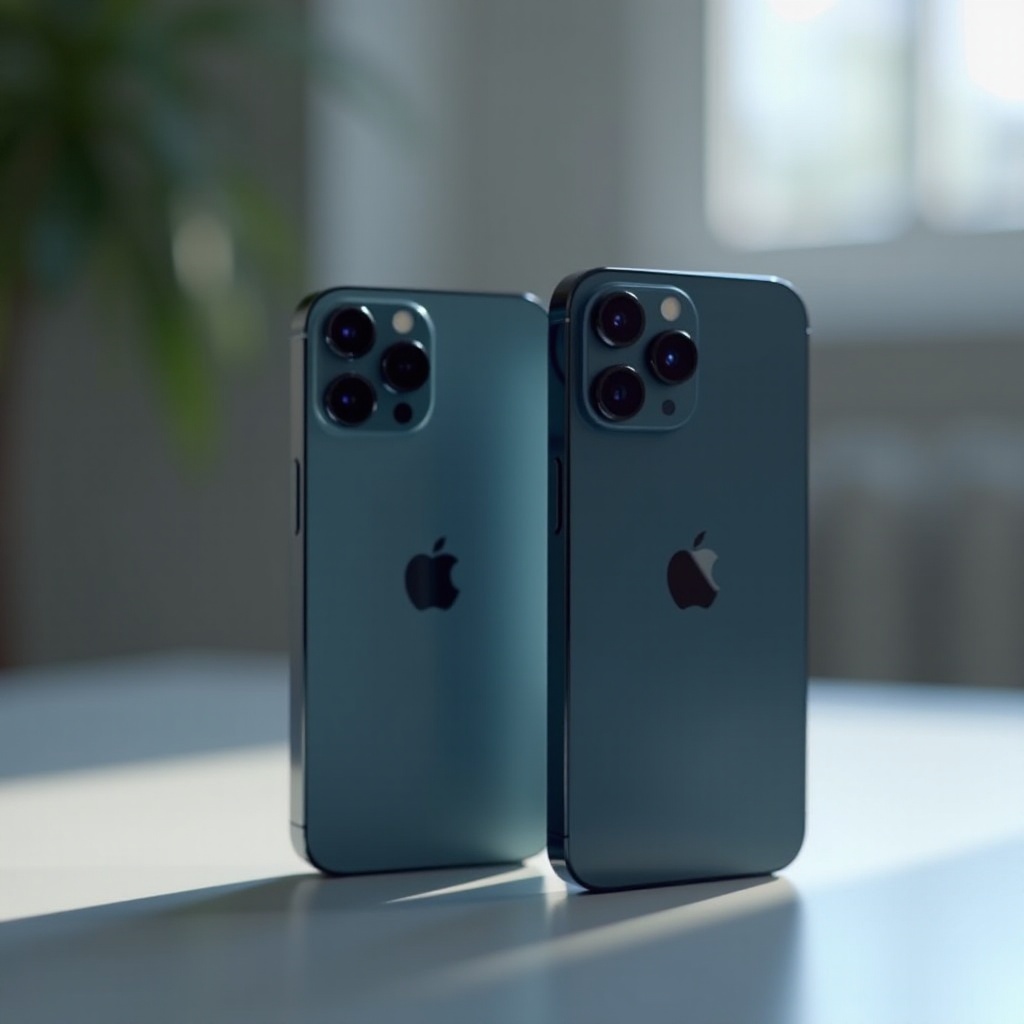
The iPhone’s design incorporates several components that could potentially interact when the devices are close. Notably, iPhones include magnetic elements, particularly in their MagSafe chargers. These magnets are engineered for safety and regular functionality. Additionally, iPhones rely heavily on Wi-Fi and Bluetooth for seamless connectivity, which plays a crucial role in ensuring smooth operation even when devices are close together.
For the skeptics, it’s important to note the advanced battery technology within iPhones. The lithium-ion batteries are adept at managing energy use efficiently. While concerns may arise regarding proximity effects, the inherent design accommodates these scenarios without adverse impacts.
Fact or Fiction: Potential Effects of Proximity
Many rumors suggest that placing two iPhones together can lead to signal loss or data interference. However, Apple’s technology is designed to handle multiple signal frequencies effectively, minimizing such risks. For those concerned with battery health, expert design ensures that any battery drain from proximity is negligible and does not compromise performance.
Moreover, fears of physical damage from proximity are largely unfounded. iPhones are robust devices built to withstand regular interactions, including close contact with other electronics.
Data Transfer and Communication Between iPhones
Transferring data between iPhones is simplified through Apple’s AirDrop technology. This feature seamlessly utilizes both Bluetooth and Wi-Fi to enable quick sharing without worries over physical contact. This streamlined process eliminates much of the conjecture surrounding device interaction.
iCloud further complements this by offering robust syncing solutions, ensuring your data remains accessible and backed up across devices. Knowing how to leverage these capabilities allows effortless interaction between your iPhones.
Practical Considerations for Everyday Use
Storing and handling multiple iPhones requires some considerations to prevent potential problems. Avoid stacking iPhones with items like magnetic strips or cards, as magnets can interfere with specific card functionalities. Here are some tips to ensure the longevity of your devices:
- Use protective cases to prevent scratches.
- Keep your iPhones clean to ensure optimal operation.
- Employ screen protectors to reduce the risk of damage.
By following these simple recommendations, you can enjoy trouble-free usage and safeguard your devices effectively.
Conclusion
As we conclude, the interaction of two iPhones together reveals a distinction between widespread myths and established facts. Understanding their functionality helps optimize the usage of these devices. Equipped with best practices and informed insights, you can confidently manage your iPhones for optimal performance.
Frequently Asked Questions
Can placing two iPhones together cause permanent damage?
No, iPhones are designed to function properly even when in close proximity to each other, preventing any permanent damage.
Will placing two iPhones together significantly drain the battery?
No, any battery drain from such proximity is minimal due to the iPhone’s energy-efficient design.
How can I safely transfer data between two iPhones?
Use AirDrop for quick and secure data transfers, and iCloud for consistent syncing and backups across devices.