Introduction
Computer enthusiasts are increasingly turning to computer cases with built-in monitors as an innovative solution for their technology setups. These cases provide a streamlined, space-saving option for those who value both functionality and style. By diving into the advantages, considerations, and top models on the market, you can make an empowered decision for your next PC build.
Advantages of Using a Computer Case with Built-In Monitor
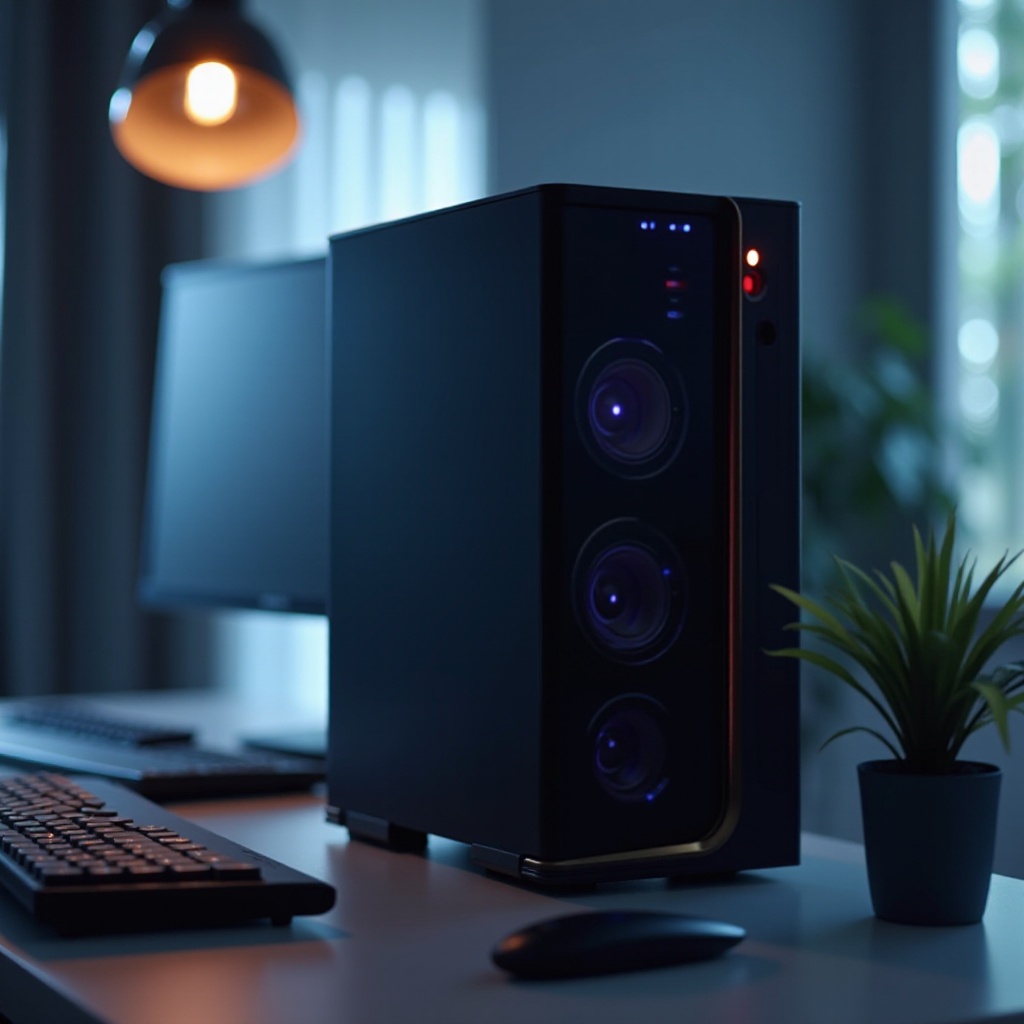
Choosing a computer case with a built-in monitor comes with several compelling benefits that enhance both practicality and aesthetics.
-
Space Efficiency and Minimalistic Design: Ideal for small workspaces, these cases incorporate the monitor into the design, eliminating the need for extra components and decluttering your area. This integration supports a minimalist aesthetic that many users find appealing and functional.
-
Improved Cable Management: Using fewer components translates to fewer cables, resulting in a cleaner workspace. Reduced cabling minimizes the risk of tangles and potential hazards, creating an efficient, unobtrusive environment.
-
Enhanced Portability for On-The-Go Use: With everything housed in a single case, portability becomes significantly easier. Whether you’re a professional on the move or someone taking their setup to a LAN party, transporting your system with ease becomes a reality.
These advantages establish a strong case for considering a built-in monitor with your next computer case, but it’s vital to weigh the pros against necessary considerations for a well-rounded decision.
Factors to Consider When Choosing a Computer Case with Built-In Monitor
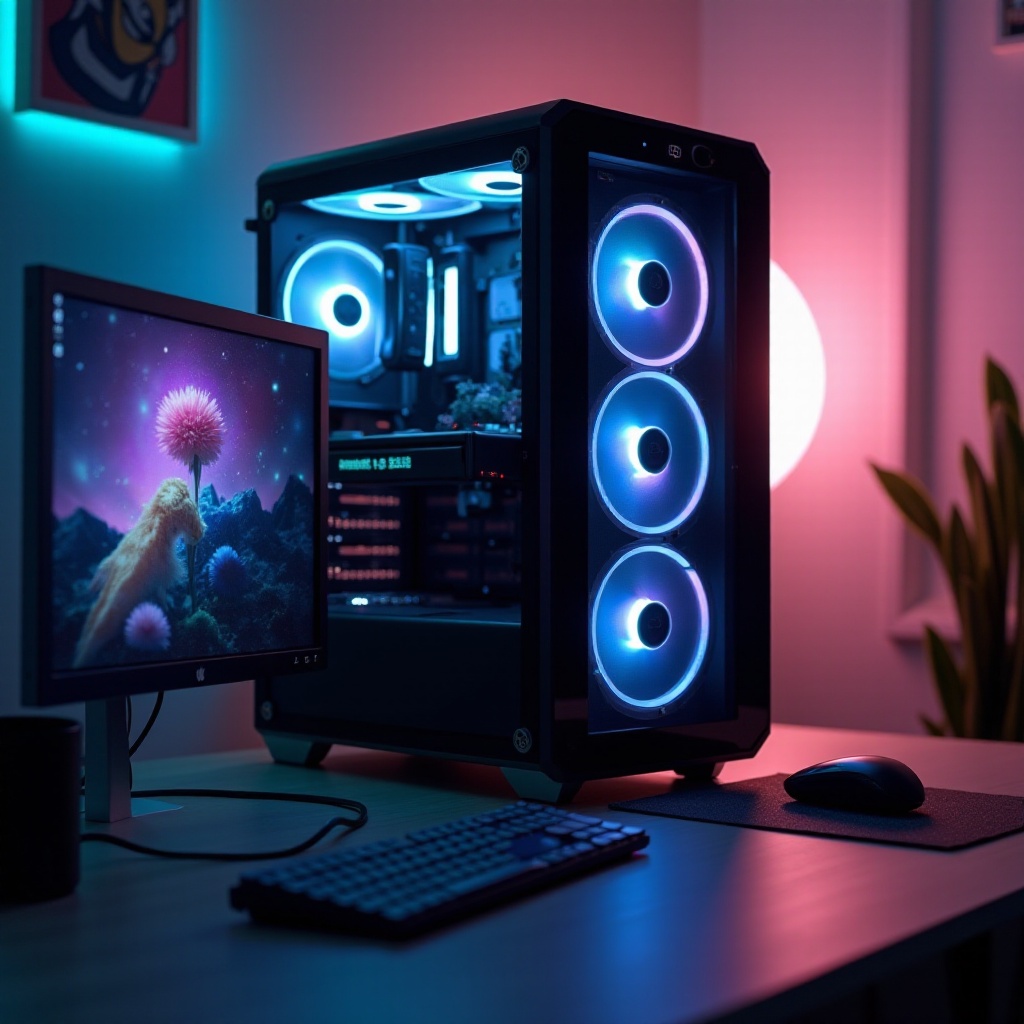
Selecting the ideal computer case with a built-in monitor demands careful evaluation of several key factors:
-
Size and Resolution of the Built-In Monitor: The monitor’s size will dictate how much workspace is needed and greatly impact your experience. A larger screen is optimal for multitasking, while higher resolution is critical for crisp, detailed visuals.
-
Compatibility with Internal Components: Ensure the case accommodates your hardware, such as the motherboard, GPU, and cooling systems, without any adjustments. Smooth integration guarantees top performance and a hassle-free assembly process.
-
Budget and Brand Considerations: Recognize the spectrum of price ranges available based on the case features. Investing in reputable brands often provides peace of mind in terms of construction quality and support services.
Understanding these considerations lays the groundwork for a successful investment. With this framework, you’ll be able to confidently explore popular models from leading brands available in 2024.
Popular Models and Brands in 2024
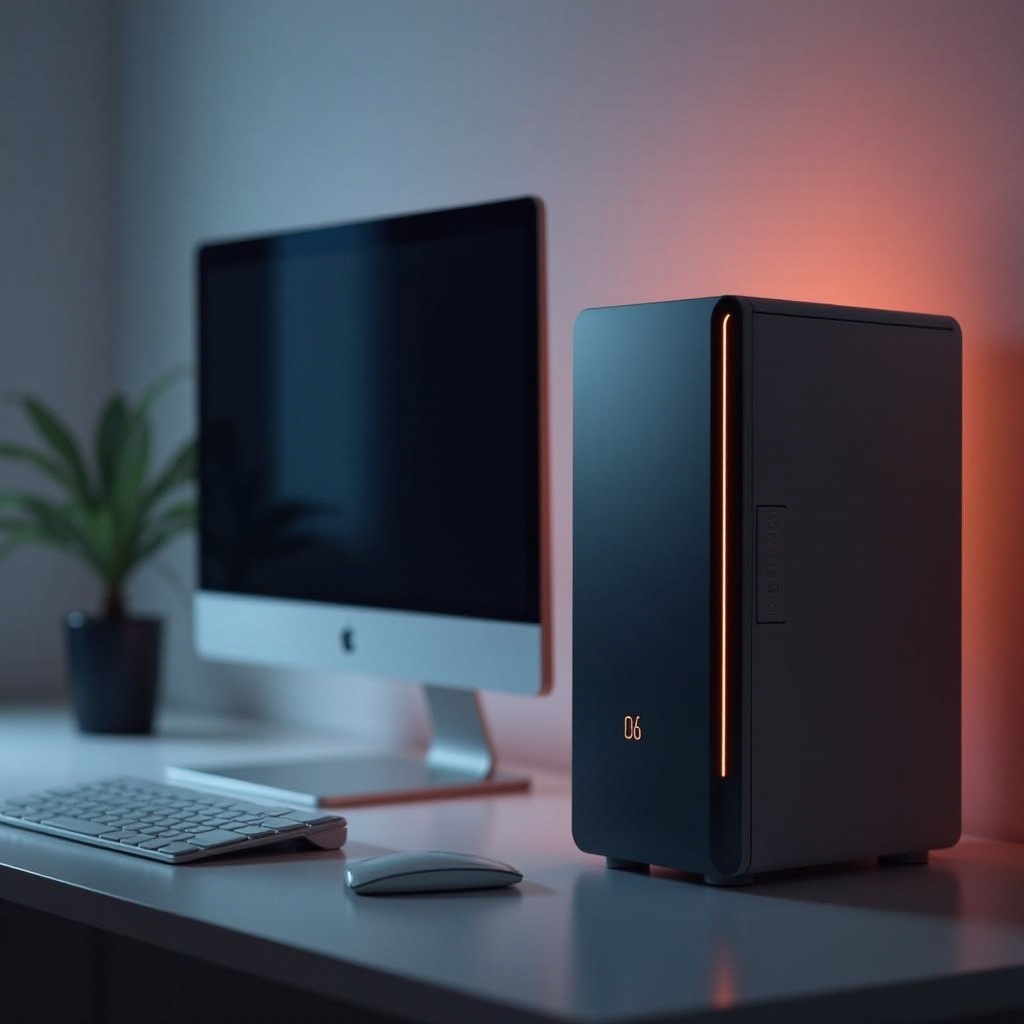
In 2024, several leading brands offer notable options for computer cases with built-in monitors, each bringing unique strengths to the table:
-
Overview of Top Brands Offering Built-In Monitor Cases: Reputable names like ASUS, Cooler Master, and MSI excel with innovative solutions marrying design and technology.
-
Reviewing Noteworthy Models and Their Features: The ASUS ROG Vision Case offers premium visuals with reliability. Cooler Master’s Integra boasts versatility for gaming and streaming, while MSI’s CompactView is perfect for compact setups with high refresh offerings.
-
Comparing Price Ranges and Specifications: High-end cases provide advanced features and customizations, whereas mid-range models offer cost-effective solutions without sacrificing essential functionality.
These distinguished product options can guide your purchasing choice by aligning with personal needs and technical requirements. With a chosen model, successful setup further enhances usability and experience.
Installation and Setup Guide
Once you’ve selected your computer case with a built-in monitor, following a strategic setup process is crucial for maximizing its benefits:
-
Preparing Your Workspace and Tools: Organize a spacious, well-lit area with access to necessary tools like screwdrivers and cable ties. Having every part on-hand before beginning ensures a smooth assembly.
-
Step-by-Step Assembly Instructions:
- Secure the power supply and motherboard initially to establish a solid base.
- Insert additional components like the graphics card and storage, checking each connection.
-
Follow manufacturer directions to integrate and power up the built-in monitor carefully.
-
Tips for Efficient Cable Management:
- Use cable ties or velcro strips to bundle excess wiring.
- Tuck cables neatly along the case’s frame to enhance airflow and preserve visual appeal.
Proper installation maximizes the efficiency and longevity of your new computer case, ensuring that every feature works harmoniously. With this knowledge, you’re equipped to enjoy a seamless computing environment that suits various needs.
Conclusion
Computer cases with built-in monitors merge compactness with functionality, providing a significant advantage for users seeking a cleaner, more efficient workspace. By understanding their benefits, considering necessary selection factors, and exploring top-tier models, individuals can make informed choices tailored to specific preferences. Combined with proper installation, these cases can dramatically enhance your computing setup and overall user experience.
Frequently Asked Questions
Are computer cases with built-in monitors more expensive than traditional setups?
They tend to be pricier due to integrated technology but can offset costs of additional components.
Can I upgrade the built-in monitor separately from the case?
Typically, the monitor is a fixed part of the case, so separate upgrades are challenging.
What types of users benefit most from integrated monitor cases?
Users with limited space, frequent movers, and those appreciating minimalist designs benefit significantly.