The rise of energy-efficient computing has spotlighted GPUs that operate without external power. These graphics processing units bring significant advantages to PC builders looking to create compact and cost-effective systems. This article delves into the benefits, ideal models for 2024, and tips for integrating these GPUs into your build.
Understanding GPUs Without External Power
What Are Non-External Power GPUs?
Non-external power GPUs, often called bus-powered GPUs, draw all their power from the motherboard’s PCIe slot, eliminating the need for additional power connectors. This feature is particularly beneficial for small builds where managing space and power resources is crucial.
Advantages of Using GPUs Without External Power
Several compelling reasons make these GPUs attractive:
- Energy Efficiency: Reduced power draw means less energy consumption, benefiting environmentally conscious users.
- Simpler Installation: The absence of extra cabling simplifies the installation process, perfect for novice DIY builders.
- Affordability: Typically, these GPUs are more budget-friendly since they don’t require robust cooling solutions or high-end power supplies.
Limitations and Considerations
However, it’s essential to consider certain drawbacks:
- Performance Constraints: Generally, they don’t match the high-end performance levels of GPUs needing external power.
- Gaming and Intensive Applications: These GPUs may not support ultra settings in new, demanding games.
Understanding these aspects helps in making informed choices among the best models of 2024.
Top GPUs That Don’t Require External Power in 2024
As you explore GPU options for your next build, these models stand out in 2024:
Model 1: Features and Performance
NVIDIA GeForce GTX 1650: This GPU provides a solid balance of performance for 1080p gaming with great power efficiency.
Model 2: Features and Performance
AMD Radeon RX 6400: Known for its compact size, it offers excellent performance for multimedia and casual gaming setups.
Model 3: Features and Performance
NVIDIA T600: Tailored for professional applications, it’s a top choice for creative professionals needing CAD and content creation capabilities.
Model 4: Features and Performance
Intel Iris Xe MAX: Geared towards thin, portable laptops, offering discrete-level performance for mobile computing tasks.
These models cater to a wide range of needs, from gaming to professional workloads, helping you decide which suits your setup best.
How to Choose the Right GPU Without External Power
Selecting the right GPU requires understanding your specific requirements:
Factors to Consider
- System Compatibility: Ensure compatibility with your motherboard and power supply constraints.
- Use Case: Align GPU performance with your use cases, whether gaming, content creation, or general use.
- Budget Considerations: Balance features against costs to achieve optimal value.
Best Use Cases for Non-External Power GPUs
These GPUs are ideal when:
- You have limited space, such as in mini-ITX builds.
- You’re operating in environments with restricted power availability.
- Silent operation is a necessity, thanks to their reduced cooling demands.
Compatibility Tips
Before purchasing:
- Confirm whether your PSU can supply enough power via the PCIe slot.
- Check physical compatibility with your case.
- Verify driver support for your operating system.
With careful choice, installation becomes a straightforward process, ensuring you maximize performance benefits.
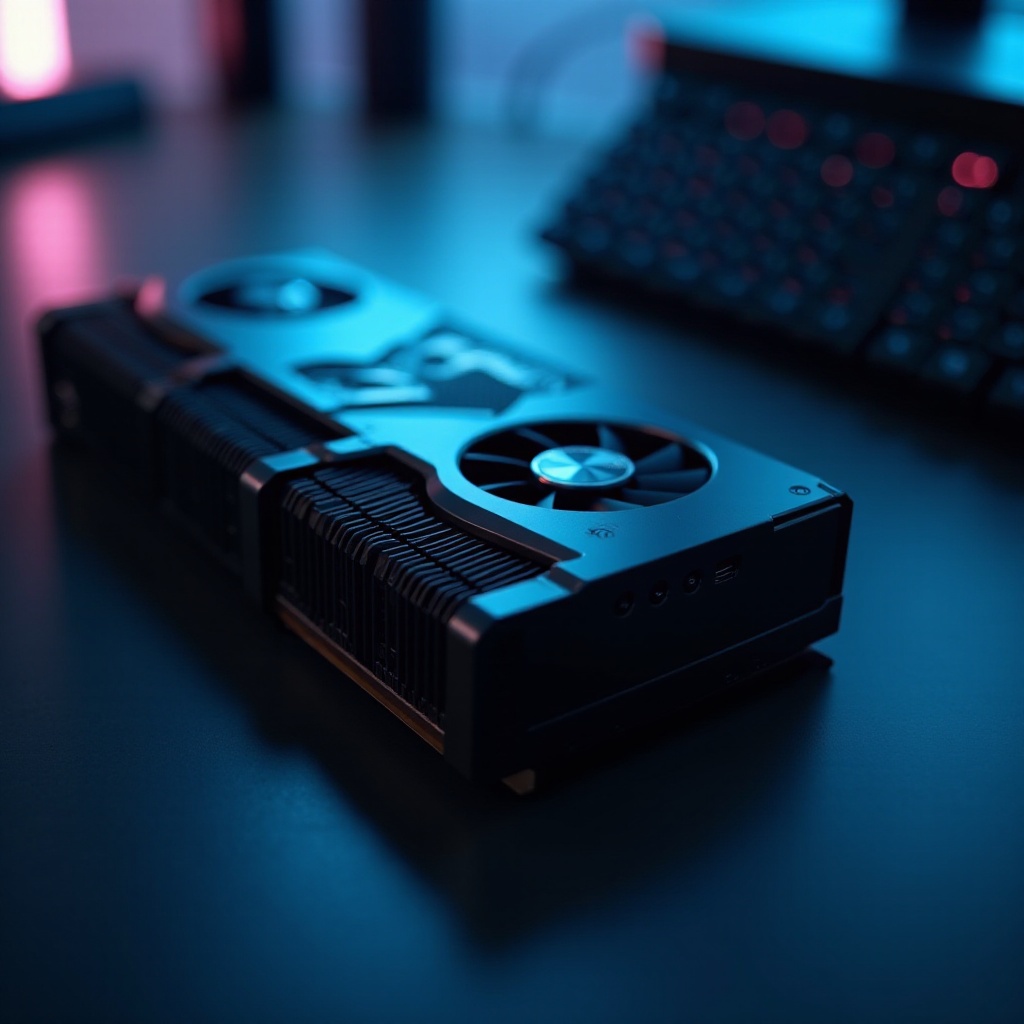
Installation and Optimization Tips
Basic Installation Guidelines
- Turn off your computer and unplug the power.
- Open the case to access the PCIe slot.
- Insert the GPU into the designated slot and secure it.
- Assemble the case back and start your computer.
Common Setup Mistakes
- BIOS Updates: Often overlooked, keeping your BIOS updated can resolve compatibility issues.
- Proper Cooling Management: Ensure sufficient airflow to maintain system efficiency.
Optimizing for Performance
- Keep Drivers Updated: Always use the latest drivers from the manufacturer for peak efficiency.
- In-Game Adjustments: Fine-tune game settings to balance quality and performance.
- Monitor System Temperature: Use software to keep an eye on thermal performance to avoid overheating.
By following these steps, your GPU setup will operate smoothly, complementing your system’s overall build.
User Experiences: Real-World Performance
Gaming Performance Insights
Users report that these GPUs handle a wide variety of current games efficiently at medium settings, making them suitable for casual gamers seeking energy-efficient solutions.
Multimedia and Productivity Use
For streaming and productivity applications, these GPUs offer excellent high-definition playback and multitasking capabilities with minimal power draw, supporting seamless work and entertainment.
Feedback from Enthusiasts
Tech enthusiasts emphasize the tranquility and ease of integration of these GPUs. Many recommend them for budget-conscious or secondary systems where simplicity and efficiency are priorities.
With user feedback reinforcing their capabilities, these GPUs prove invaluable for various builds. Let’s wrap up the discussion with key takeaways.
Conclusion
GPUs that don’t require external power are a perfect choice for those valuing efficiency and simplicity. Whether you’re building a compact PC, designing a cost-effective machine, or prioritizing a quiet environment, these GPUs cater to diverse needs while offering reliable performance. Embrace the innovation of 2024 by integrating one of these top-performing models into your next build for a sleek and efficient computing experience.
Frequently Asked Questions
Are GPUs without external power suitable for gaming?
Yes, non-external power GPUs handle many games well at medium to low settings, offering a balance of performance and efficiency.
How do I know if a GPU needs external power?
Check the manufacturer’s specifications. If the GPU lists only a PCIe power connection requirement, it doesn’t need additional power.
What are the future trends for power-efficient GPUs?
Expect innovations focusing on even greater power efficiency, enhanced performance for lightweight applications, and better support for mobile devices.