Introduction
Finding a processor compatible with your motherboard is an essential step in building or upgrading your computer. Failure to ensure the correct compatibility can lead to performance issues or even damage. This comprehensive guide will help you understand compatibility requirements and how to locate the right processor for your system successfully.
Understanding Motherboard and Processor Compatibility
Motherboards and processors must be compatible for optimal computer performance. They rely on several features and communication methods to function together effectively.
-
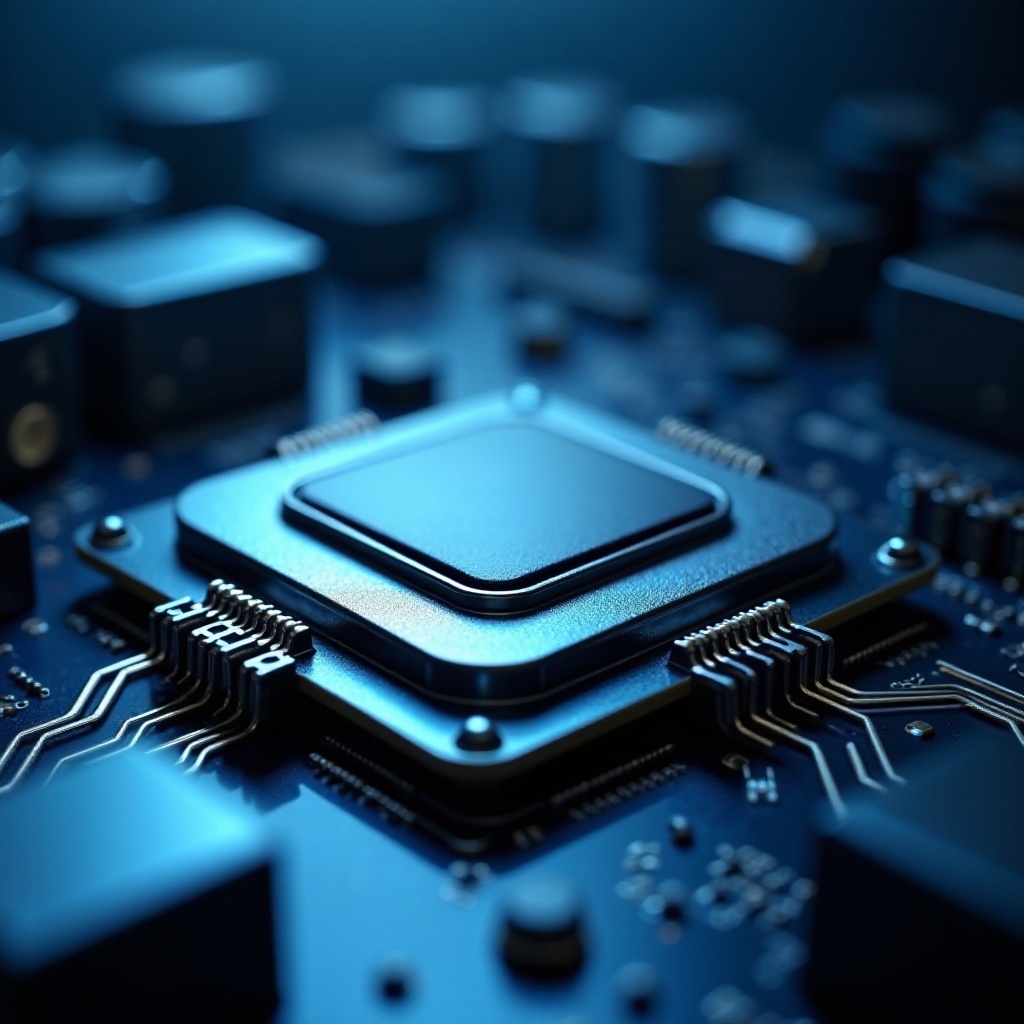
Key Features of Motherboards: The motherboard’s socket type and chipset determine which processors it can support. Examining these features is vital for determining compatibility.
-
Processor and Motherboard Communication: The CPU communicates with the motherboard through specific connections provided by the socket and chipset. Ensuring compatibility in these areas guarantees efficient processor performance.
This knowledge lays the groundwork for identifying compatible processors, which we’ll delve into next.
Steps to Identify Compatible Processors
Finding a processor compatible with your motherboard involves several practical steps:
-
Identify Your Motherboard Model: Knowing your motherboard model is crucial before searching for processors. This information can often be found in the motherboard’s manual, or you can physically inspect the board.
-
Consult Manufacturer Websites: Access the manufacturer’s website for your motherboard. They often provide detailed compatibility lists or resources to assist you in finding the right processor.
By understanding your motherboard’s specific requirements, you can make your processor search more effective. Next, let’s explore the essential details of socket types and chipsets.
Socket Types and Chipsets Explained
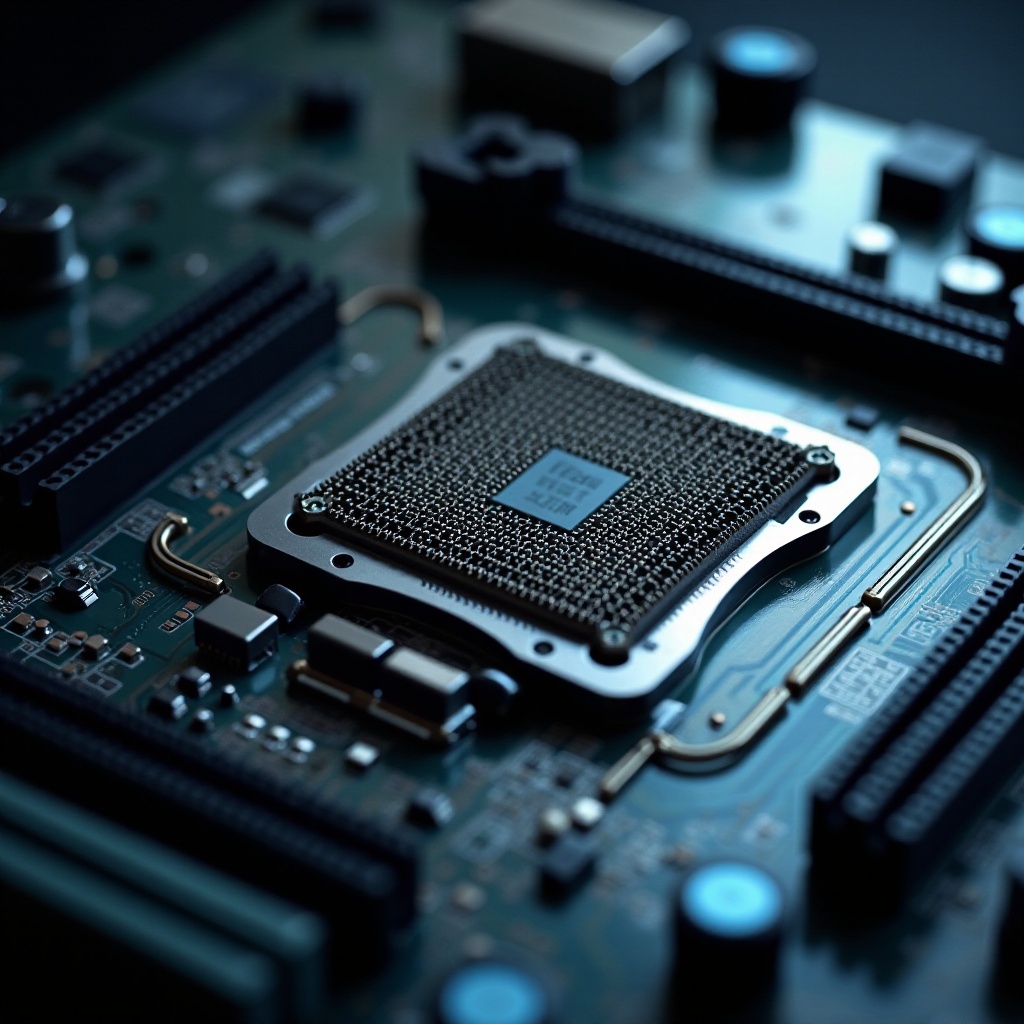
Sockets and chipsets are critical for ensuring processor compatibility. They serve as the core connection points between the processor and the motherboard.
-
Common Socket Types in 2024: Socket types evolve over time as technology advances. As of 2024, popular sockets include the Intel LGA 1700 and AMD AM5, each accommodating different sets of processors.
-
The Role of Chipsets in Compatibility: Chipsets manage the data flow between the processor and other motherboard components. Ensuring your chipset is compatible with your processor is crucial for efficient performance.
Armed with knowledge on sockets and chipsets, you can better utilize online tools to determine processor compatibility, as discussed in the next section.
Utilizing Online Compatibility Tools
Online tools can significantly simplify the process of identifying compatible processors. They provide quick and reliable assessments using vast databases.
-
Recommended Compatibility Tools: Software like PCPartPicker and websites such as CPU-Upgrade offer user-friendly interfaces and extensive compatibility data.
-
How to Use Compatibility Tools Effectively: Input your motherboard model into these tools to instantly see a list of compatible processors. This approach saves you time and removes much of the guesswork from the process.
Once you find potential processors, it’s wise to consider the future-proofing of your system, which we will explore further.
Future-Proofing Your System for 2024 and Beyond
When purchasing components, thinking ahead can save both time and money as technology continues to advance.
-
Planning for Future Upgrades: Select a motherboard that supports newer processor generations. This choice allows for easy upgrades without requiring additional component changes.
-
Balancing Present and Future Needs: Decide between buying cutting-edge technology now or ensuring flexibility for future technologies. A balanced approach often yields the best results in terms of longevity and cost.
A future-proofed system ensures smooth performance and less frequent component replacements.
Conclusion
Ensuring processor compatibility with your motherboard requires understanding specific technical details and effectively utilizing available resources. By familiarizing yourself with your motherboard’s specs, socket types, and utilizing compatibility tools, you can ensure a successful PC build or upgrade. Remember, a well-matched processor and motherboard not only optimize current performance but also set the groundwork for future upgrades.
Frequently Asked Questions
How do I check if my processor is compatible with my motherboard?
Identify your motherboard model, then check the manufacturer’s website or use online compatibility tools to view supported processors.
What should I do if my processor and motherboard are incompatible?
Consider upgrading either your motherboard or your processor to fit together. Ensure the new component is compatible before purchasing.
Can I upgrade my processor without changing my motherboard?
Yes, if the new processor is compatible with the existing socket and chipset of your motherboard. Use manufacturer specifications to confirm this compatibility.